Twilio Settings Guide for MIMI AI Call Agent
📞 Twilio Settings Guide for MIMI AI Call Agent
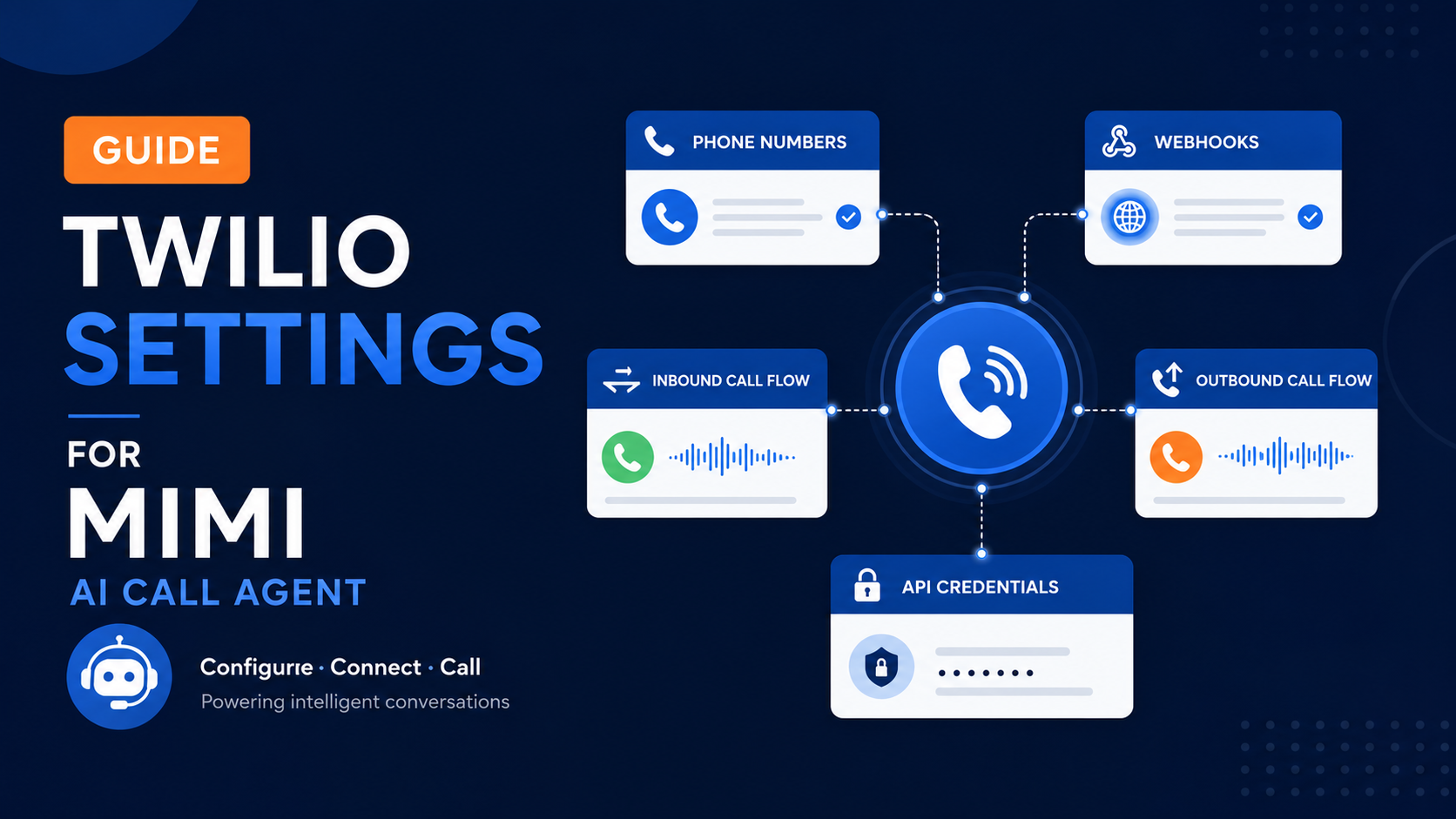
Twilio settings connect MIMI AI Call Agent with phone calling. These settings are required before MIMI can receive inbound calls or place outbound calls for a tenant.
This guide explains which Twilio settings are required, why they matter, and what tenant admins should check during setup.
📘 What Is Twilio Used For?
Twilio is the phone provider used by MIMI to handle voice calls.
Twilio allows MIMI to:
-
📥 Receive inbound phone calls
-
📤 Place outbound calls
-
🎙️ Connect call audio to the AI call system
-
🔗 Route calls through webhooks
-
📱 Use tenant-specific phone numbers
⚙️ Required Twilio Settings
🆔 Twilio Account SID
The Twilio Account SID identifies the tenant’s Twilio account.
MIMI uses this value to connect to the correct Twilio account and access calling services.
🔐 Twilio Auth Token
The Twilio Auth Token is the secret key used to authenticate Twilio requests.
This value must be kept private and should never be shared publicly. Each tenant should use only their own Twilio Auth Token.
☎️ Twilio Phone Number
Each tenant must have a Twilio phone number for calls.
This phone number can be used for inbound calls, outbound calls, or both, depending on the tenant’s setup.
📥 Inbound Voice Webhook
The inbound voice webhook tells Twilio where to send incoming calls.
When a customer calls the tenant’s Twilio number, Twilio sends the call to the MIMI call system through this webhook.
🔗 Webhook Routing
Webhook routing must point to the correct MIMI call endpoint for the tenant.
If webhook routing is missing or incorrect, inbound calls may not reach the AI agent.
🚨 Priority Level
Twilio settings are Priority 1 for inbound calls.
Without Twilio settings, MIMI cannot receive or route phone calls correctly.
Priority 1 inbound setup includes:
-
🔑 OpenAI API key
-
🧠 Realtime system prompt
-
📝 OpenAI instructions
-
⚙️ Twilio settings
-
📱 Twilio inbound phone number
-
🔗 Webhook routing
📥 Inbound Call Setup
For inbound calls, Twilio must be configured so customer calls can reach MIMI.
Required inbound setup:
-
✅ Twilio credentials are added
-
✅ Tenant phone number is added
-
✅ Voice webhook is configured
-
✅ Webhook points to the MIMI inbound call endpoint
-
✅ OpenAI settings are configured
📤 Outbound Call Setup
For outbound calls, Twilio is required because MIMI uses Twilio to place calls to customers or leads.
Required outbound setup:
-
✅ Twilio credentials are added
-
✅ Outbound calling is enabled
-
✅ Outbound system prompt is configured
-
✅ Calling hours and limits are configured
-
✅ Lead or customer phone numbers are valid
🛡️ Safe Twilio Setup Rules
Tenant admins should:
-
✅ Use valid Twilio credentials
-
🔐 Keep the Auth Token private
-
📱 Use the correct tenant phone number
-
🔗 Confirm the inbound webhook URL is correct
-
📞 Test inbound calls after setup
-
📤 Test outbound calls only after outbound settings are complete
-
🚫 Never reuse another tenant’s Twilio settings
⚠️ Common Issues
📵 Inbound Calls Are Not Reaching MIMI
Check that:
-
✅ The Twilio phone number is added
-
✅ The voice webhook URL is configured
-
✅ Twilio credentials are correct
-
✅ OpenAI settings are complete
-
✅ Webhook routing points to the correct MIMI call endpoint
📞 Outbound Calls Are Not Starting
Check that:
-
✅ Twilio settings are configured
-
✅ Outbound calling is enabled
-
✅ The customer or lead phone number is valid
-
✅ Calling hours allow the call
-
✅ Outbound prompts and limits are configured
🔒 Twilio Authentication Fails
Check that:
-
✅ The Account SID is correct
-
✅ The Auth Token is correct
-
✅ The credentials belong to the correct Twilio account
-
✅ The tenant is not using another tenant’s Twilio credentials
✅ Completion Checklist
Before using Twilio calls, confirm that:
-
✅ Twilio Account SID is added
-
✅ Twilio Auth Token is added
-
✅ Tenant phone number is added
-
✅ Inbound voice webhook is configured
-
✅ Webhook routing points to the MIMI call system
-
✅ OpenAI settings are configured
-
✅ Outbound settings are configured if outbound calling will be used